
There may be situations where you want to create a copy (duplicate) of your portfolio, such as when researching new investments or if your synced portfolio is experiencing a technical error for a period of time.
Duplicating a portfolio in TradeSmith is easy. First, go to the Manage area of My Portfolios.

Next, select whether your portfolio is Investment or Watch Only. Our screenshot above shows that we were looking in our Watch Only portfolios. “Watch Only” is highlighted in gray.
Your portfolio list will appear.
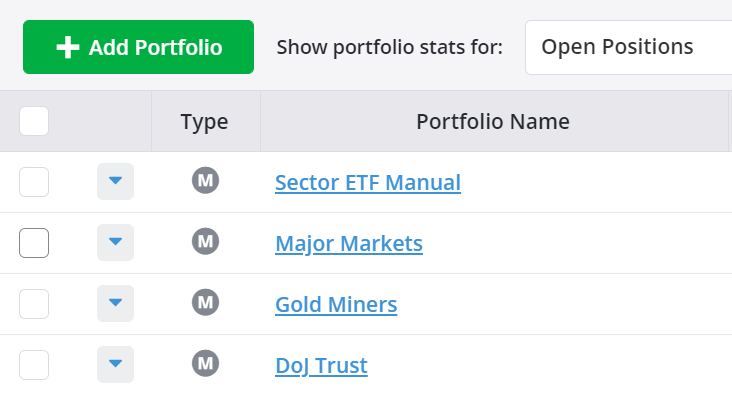
Click the triangle to the left of the portfolio you wish to duplicate to open the below menu.
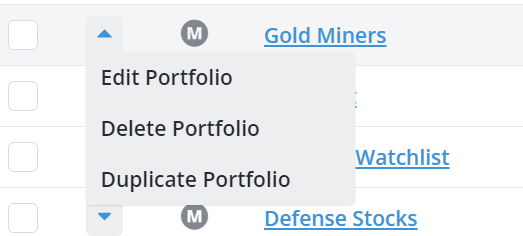
Then, click “Duplicate Portfolio” to create a copy of that portfolio.
Next, you will see this pop-up window showing name with "-Duplicate" at the end.
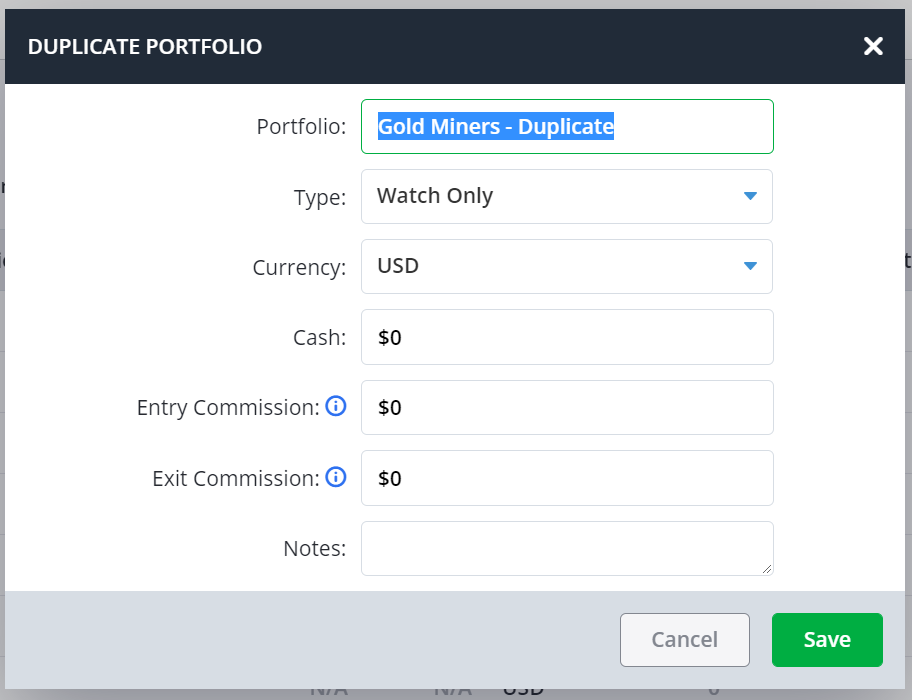
Fill out the pop-up menu, click save, and you’re done.
*Note—The tabs and features you see on your TradeSmith Finance site will vary based on your subscription(s) and subscription level(s). The pictures in our Education Center articles are taken from a TradeSmith Platinum account.