
Your Program Settings-Tags
Create and manage your position tags
To open your Settings, click on your name in the top right corner of your program and then select Settings.
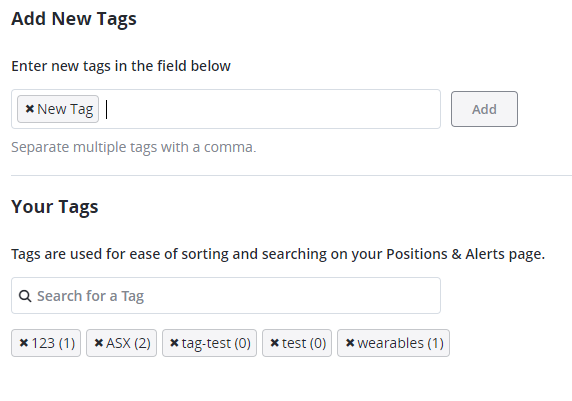
The Tags Setting lets you create new tags and manage your current tags. As a reminder, tags are keywords that help you remember things about your positions.

To add a new tag, type it into the new tag field and click the Add button.
To delete current tags, click the X to the left of the tag name.
*Note—The tabs and features you see on your TradeSmith Finance site will vary based on your subscription(s) and subscription level(s). The pictures in our Education Center articles are taken from a TradeSmith Platinum account.
Was this article helpful?