
To open your Settings, click on your name in the top right corner of your program and then select Settings.

The Positions Setting lets you set up custom information for your positions. This area has a few sections, so we’ll take them one at a time.
First is the Default Currency. This lets you set the default currency for your portfolio. Use the drop-down box to select your currency.

Next is Commissions. You can set what your entry and exit commissions are.

Below that, you’ll find your Closed Positions. This area lets you set up what happens to positions you close. Just set these settings to Yes to enable them.

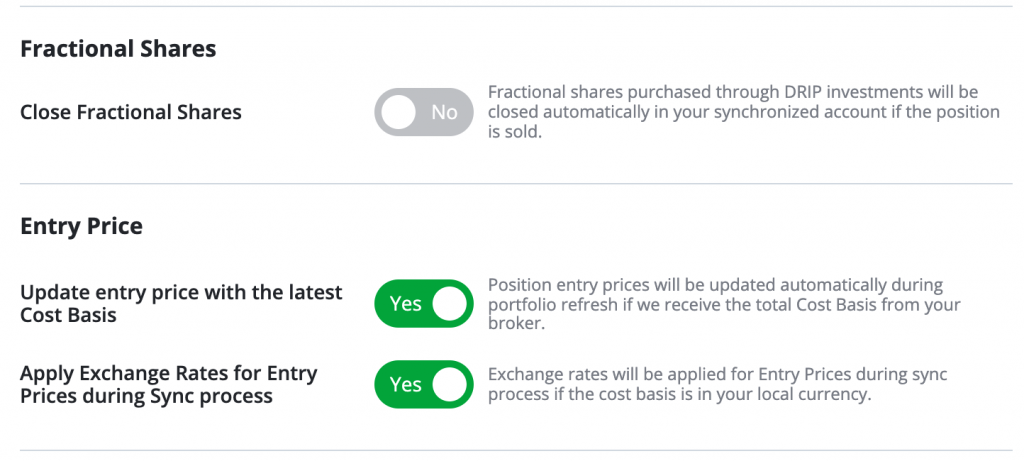
Next, you’ll find settings for Fractional Shares and Entry Price. These settings will automatically close fractional shares, update your entry price based on a cost basis, and apply exchange rates if the cost basis is in your local currency.
Finally, there are the Available Exchanges. This lets you find stocks that correspond to countries set to Yes.

*Note - The tabs and features on your TradeSmith Finance site will vary based on subscription(s) and subscription level(s). Pictures in our Education Center articles are taken from a TradeSmith Platinum account.